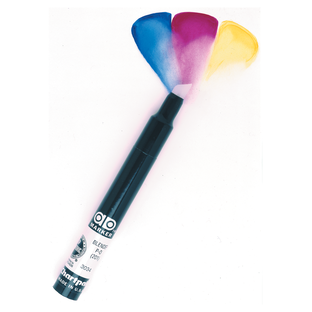
Create seamless transitions, smooth gradients, and professional marker effects with the Spectra AD® Colorless Blender Marker. Designed specifically for alcohol marker artwork, this versatile blender helps artists soften edges, merge colors, create highlights, and achieve subtle tonal variations without introducing additional pigment.
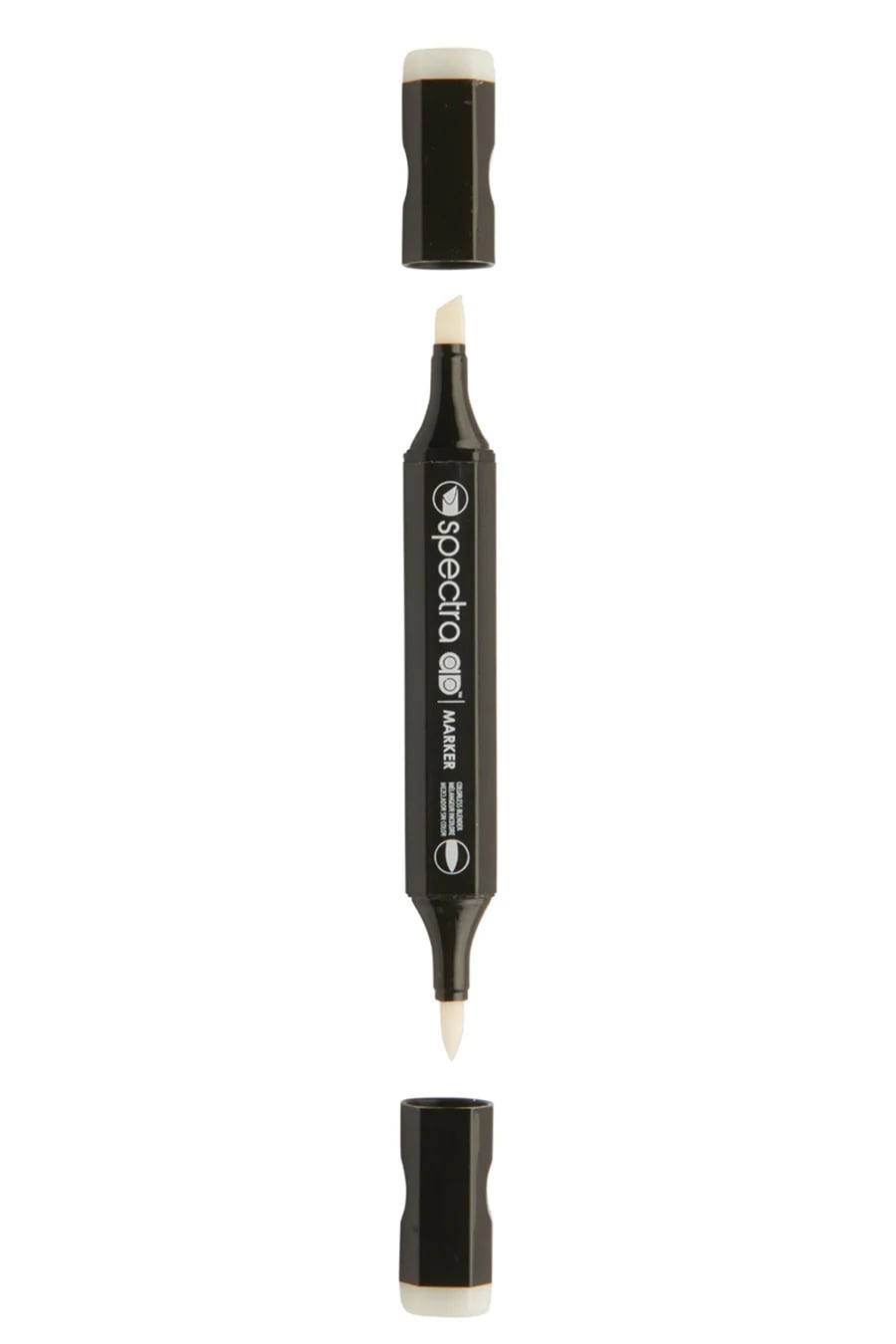
The dual-tip design features a flexible brush tip for expressive blending and variable line widths, along with a tri-nib tip that produces fine, medium, or broad strokes with a simple change in angle. The colorless alcohol solution works by reactivating and moving marker ink, allowing artists to blend colors together, lighten areas, and create smooth gradations.
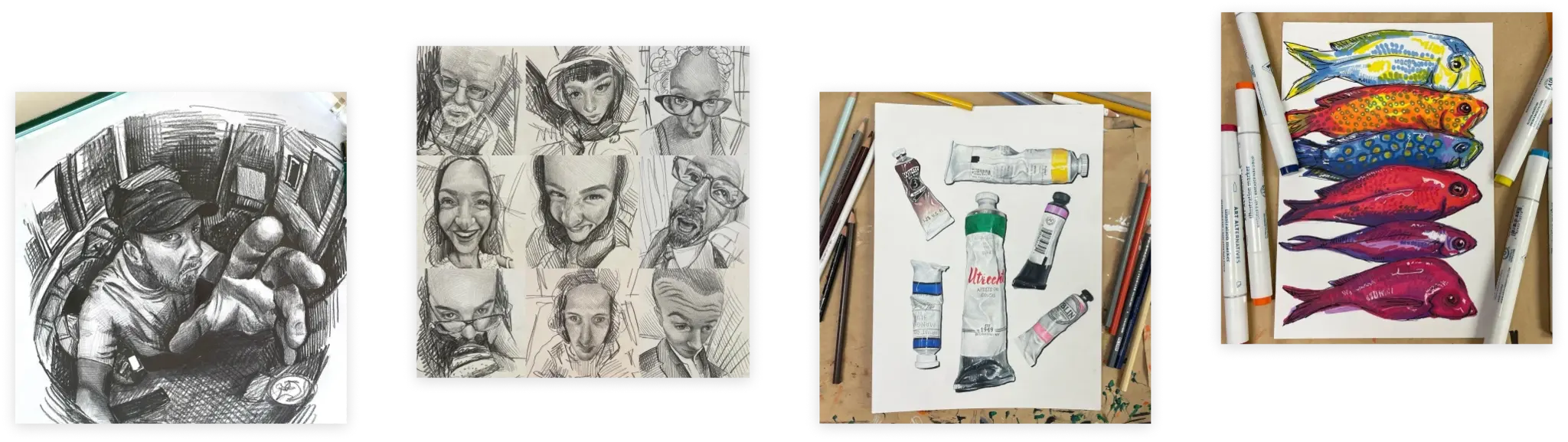
Ideal for illustration, concept art, product design, architecture, manga, fashion design, and marker rendering, the Spectra AD Colorless Blender is an essential tool for achieving polished marker artwork.
Features
- Colorless alcohol-based blender marker
- Creates smooth color transitions and gradients
- Lightens and softens marker colors
- Helps blend multiple colors seamlessly
- Dual-tip design
- Flexible brush tip for expressive strokes
- Tri-nib tip for fine, medium, and broad lines
- Fast-drying formula
- Low odor
- Non-toxic
- Ergonomic barrel design helps prevent rolling
Ideal For
- Marker illustration
- Concept art
- Product design
- Fashion illustration
- Architecture rendering
- Manga and comics
- Graphic design
- Mixed marker techniques
- Highlight and texture effects
How a Colorless Blender Works
Unlike a traditional marker, a colorless blender contains no pigment.
Instead, it:
- Softens hard marker edges
- Blends adjacent colors together
- Creates gradual color transitions
- Lightens areas of existing marker
- Lifts and redistributes ink
- Produces highlight and texture effects
Dual Tip Design
Brush Tip
- Flexible for variable line widths
- Excellent for blending large areas
- Smooth and responsive feel
Tri-Nib Tip
- Fine, medium, and broad strokes
- Controlled blending and detail work
- Ideal for technical and design applications
Artist Tip
Use the Colorless Blender before marker ink fully dries for the smoothest transitions. It can also be used to create highlights, reflective effects, soft clouds, fabric textures, and subtle color fades.